iPHONE
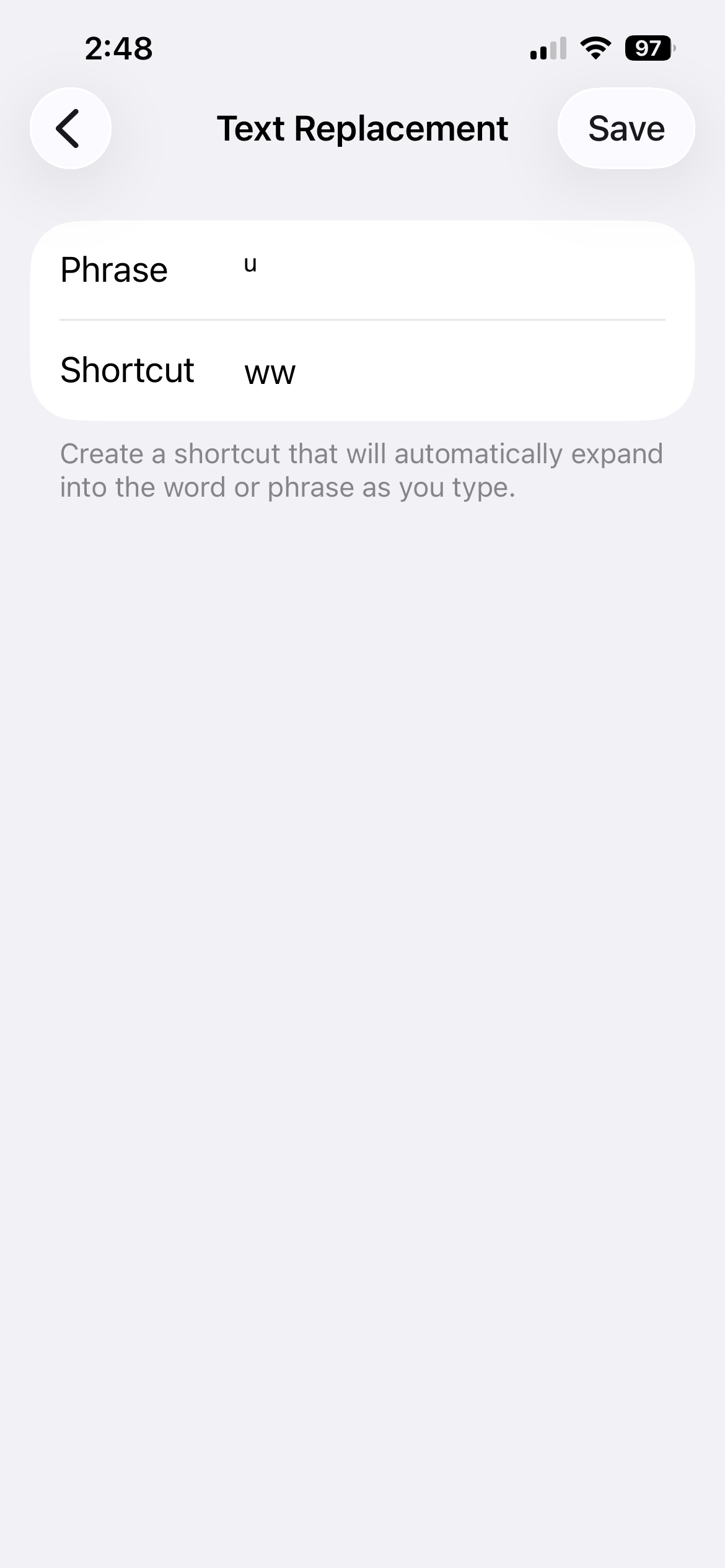
Follow these steps to create a keyboard shortcut for typing the Unicode raised ᵘ on iPhone or iPad.
- Open Settings and search for Text Replacement.
- Tap the + (plus) icon in the top right corner.
- In the Phrase field, copy and paste this Unicode character: ᵘ
- In the Shortcut field, enter the abbreviation you would like. Suggestion: ww
Note: Text replacement only works after a space. To add a raise ᵘ at the end of a word, you will need to type ᵘ by itself and then backspace to attach it to the end of the previous word.
DESKTOP
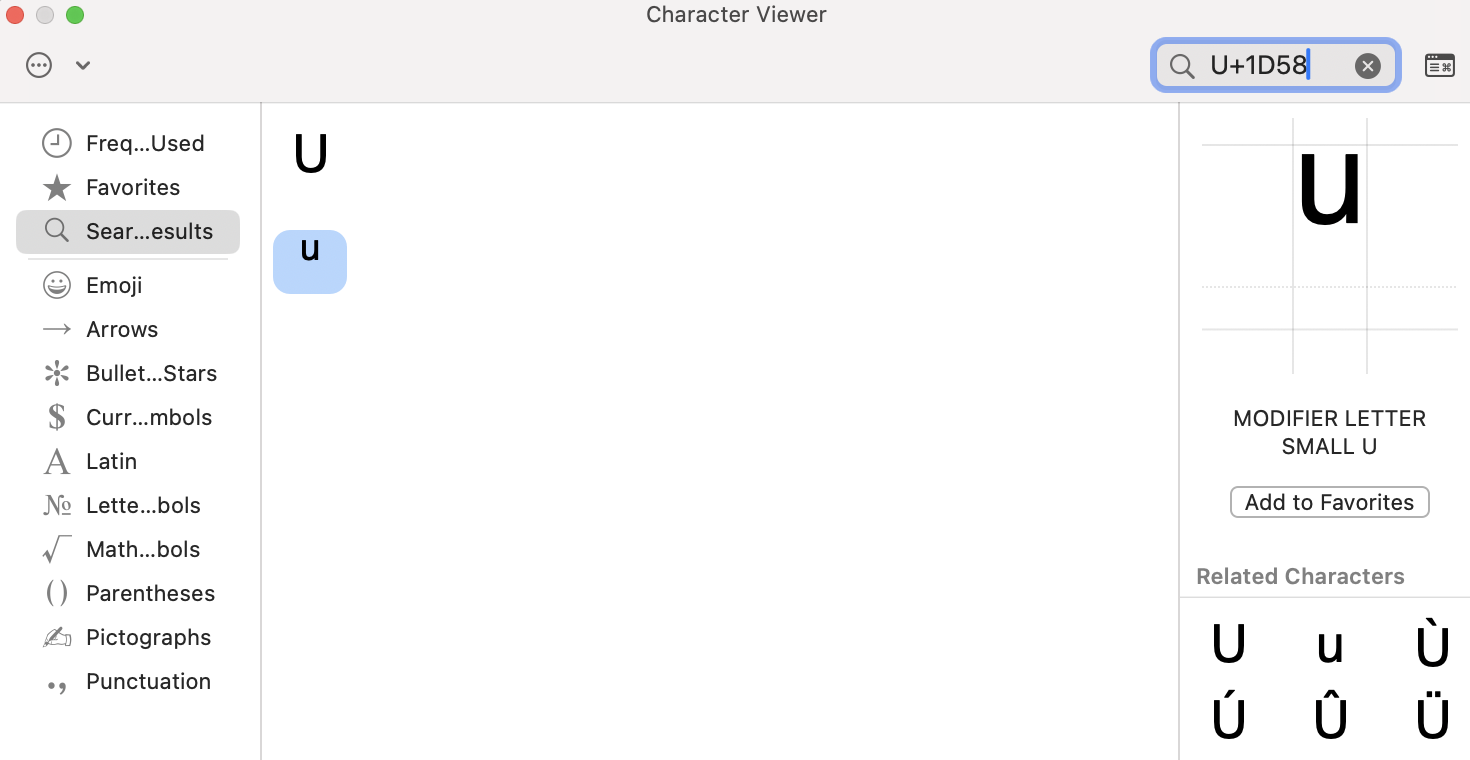
Follow these steps to find and save the Unicode raised ᵘ in Emojis & Symbols on a Mac so it can be pasted into any document.
- Open the Character Viewer by pressing Control + Command + Space.
- Search for U+1D58.
- Select the raised ᵘ (“Modifier letter small u”) and click Add to Favorites.
- Double-click the character to insert it in a document.