

Here are two options for typing raised ᵘ on iPhone or iPad:
1. Text Replacement
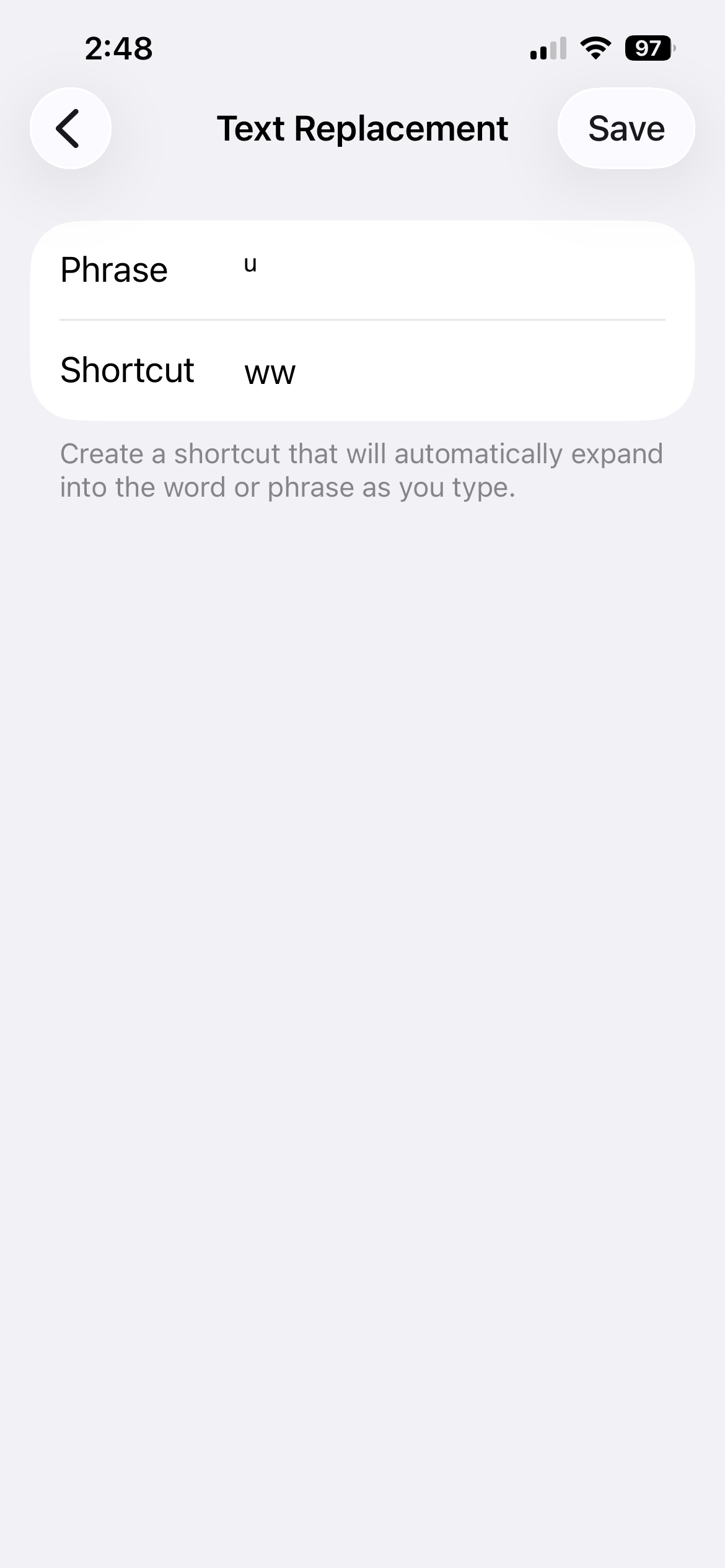
You can type the unicode raised ᵘ on iPhone or iPad by setting up a text replacement, following these steps:
- Open Settings and search for Text Replacement.
- Tap the + (plus) icon in the top right corner.
- In the Phrase field, copy and paste this Unicode character: ᵘ
- In the Shortcut field, enter the abbreviation you would like. Suggestion: ww
- Save your change
Note: Text replacement only works after a space. To add a raised ᵘ at the end of a word, you will need to type ᵘ by itself and then backspace to attach it to the end of the previous word.
2. Clipboard pin
For this solution, install Gboard (Google’s keyboard available via the App Store) and then follow the instructions here.